Manage, convert, scan, and secure all your PDF files in one fast, lightweight, and 100% private mobile app without requiring an internet connection.
Offline & Private
Crystal Quality
Server Data Sent
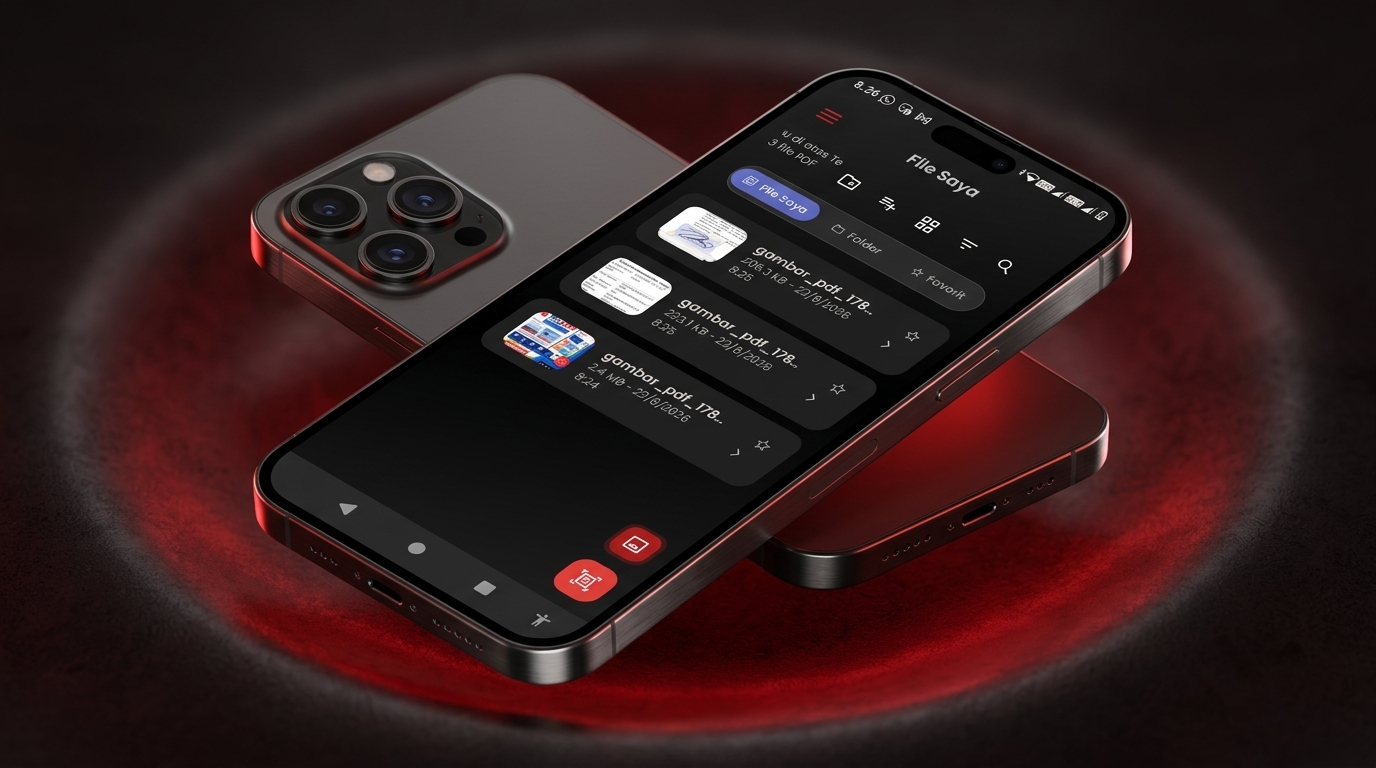
PixaPDF is specifically designed to meet your daily document needs — for students, professionals, office workers, and business owners who need a versatile, secure, and ad-free PDF tool.
Documents are never uploaded to the cloud. All processing happens locally in your device memory.
Super memory-efficient app size without adding watermark logos to your PDF files.
Extract handwriting or text from images into digital text that you can copy instantly.
Experience effortless document processing with PixaPDF's most powerful collection of features.
Convert JPG, PNG, or WEBP photos into a neat PDF document. Flexibly adjust page order, paper sizes (A4, Letter), and orientation.
Add your digital signature or handwritten sign directly onto PDF documents quickly without printing them first.
Use your mobile camera to scan physical documents, receipts, or certificates with automatic edge cropping and document enhancement filters.
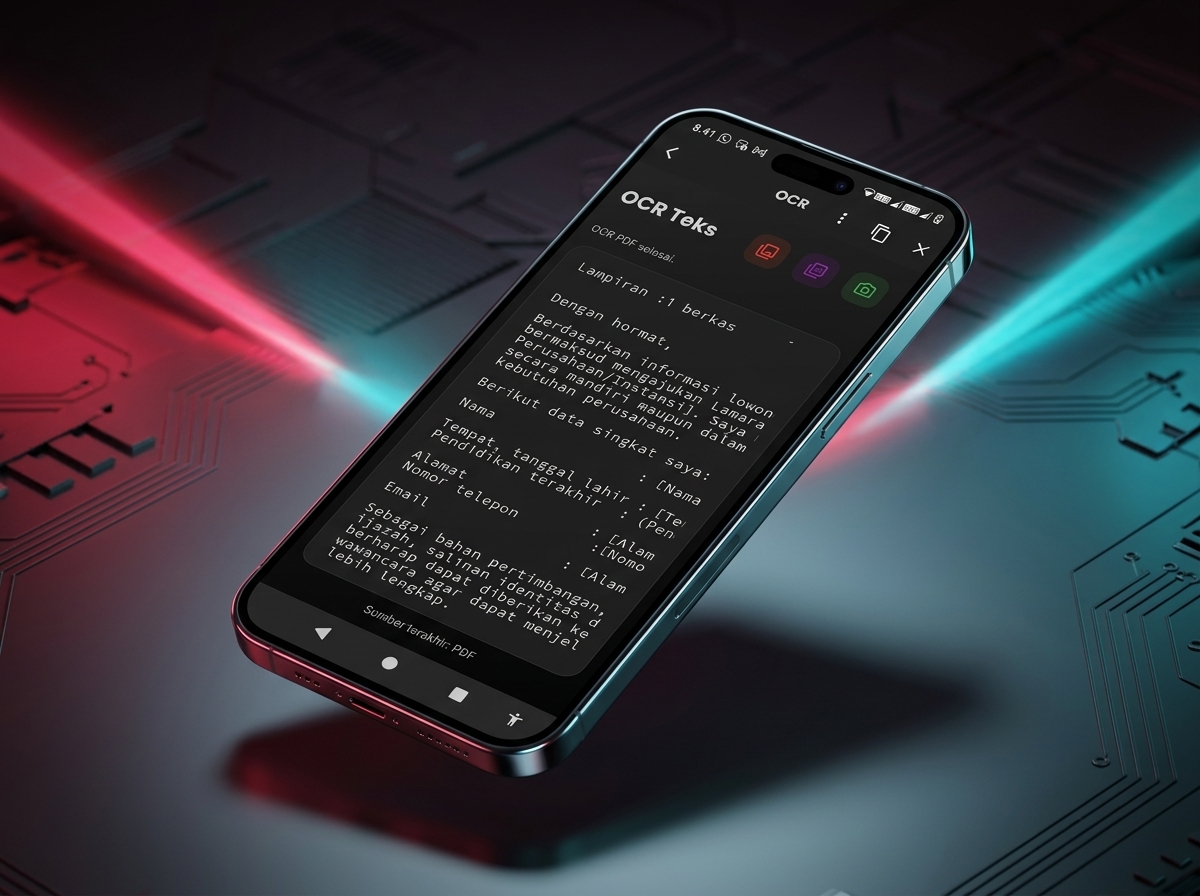
Scan text from photos or PDF pages and convert them into raw editable text that can be copied or saved as TXT.
Secure your confidential documents with passwords (PDF Encryption) or unlock protected files (Feature in active development).
Combine multiple PDF files into one or split selected pages effortlessly.
Designed with a clean, intuitive, and modern user interface for effortless mobile document processing.
Select multiple images from your mobile gallery, easily organize page order, set PDF margins, page sizes (A4, Letter, Custom), and export instantly without watermarks.

Turn physical printed documents, notes, receipts, or images into digital editable text. Copy extracted text to your clipboard or share with one click.
Designed to deliver a simple, secure, and reliable document processing experience at all times.
No internet signal or data quota required. Process documents anytime, anywhere.
Exported PDF files are completely clean and professional without forced watermarks.
Optimized using a Native processing engine that saves mobile battery power.
Free of intrusive pop-up ads with intuitive user-friendly navigation.
Answers to commonly asked questions about PixaPDF.
Have questions, feedback, or suggestions for PixaPDF? Our team is here to help you.
Send us your feedback to help us improve PixaPDF's performance and features.